
Omron HMIs Distributor | Genuine In-Stock SKUs
Omron HMI Panels for Fast Operator Workflows
Our HMI range includes compact and widescreen panels designed for clear visualization, alarm handling, and easier daily machine operation.
We support selection by display size, communication protocol, and project requirements so your panel integrates cleanly with existing PLC assets.
Popular Series and Buying Notes
42 products available in this category.
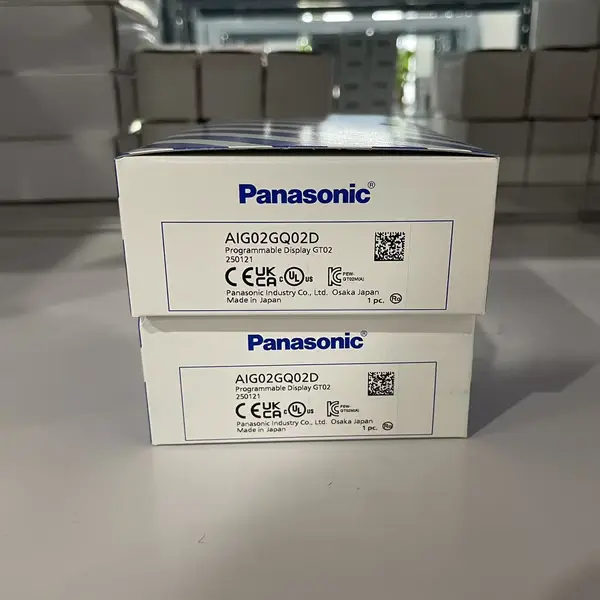
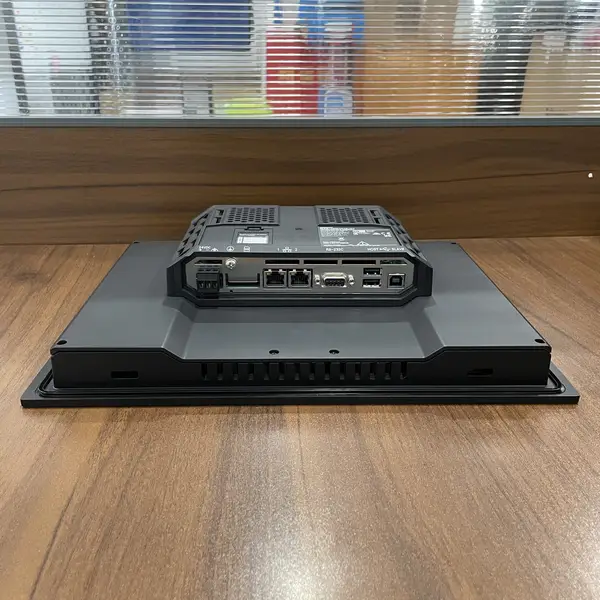
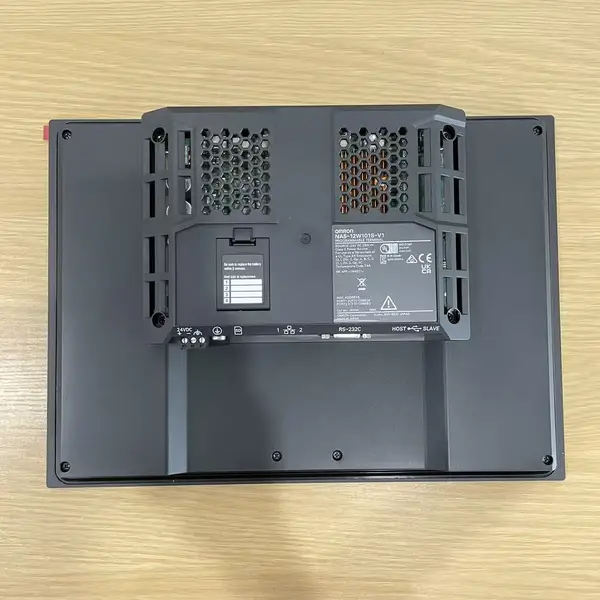
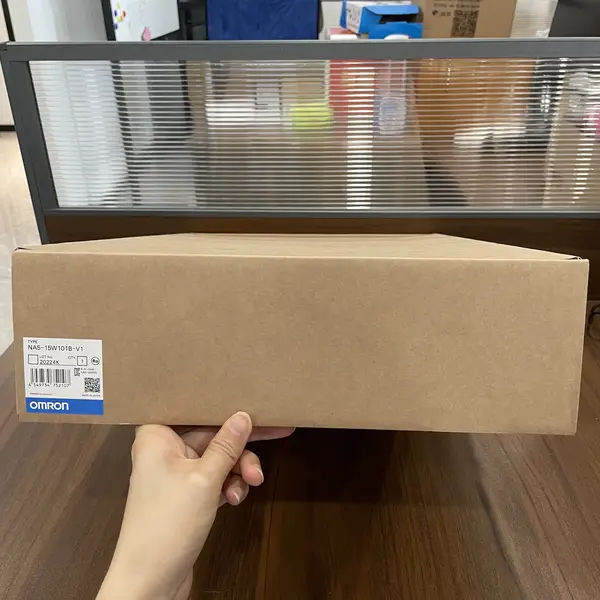
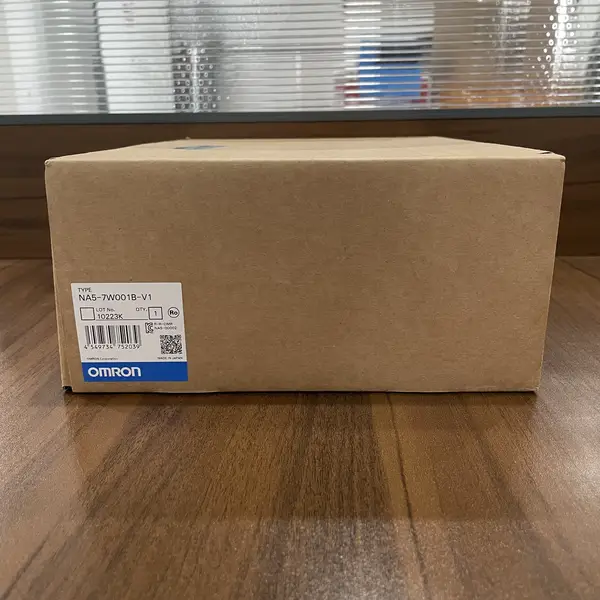
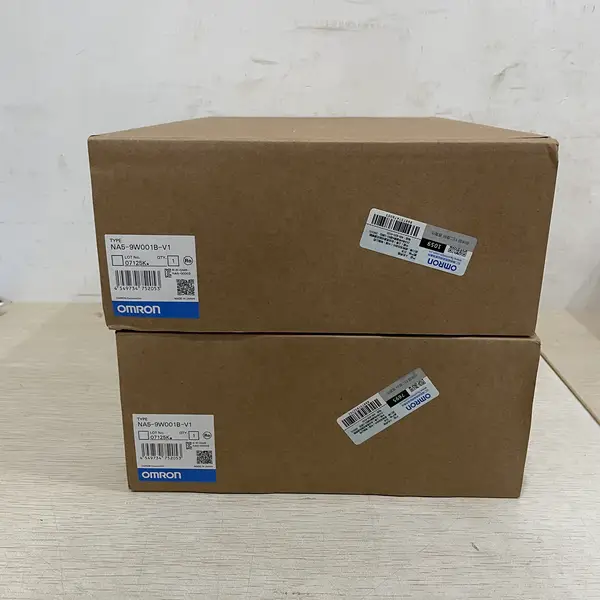
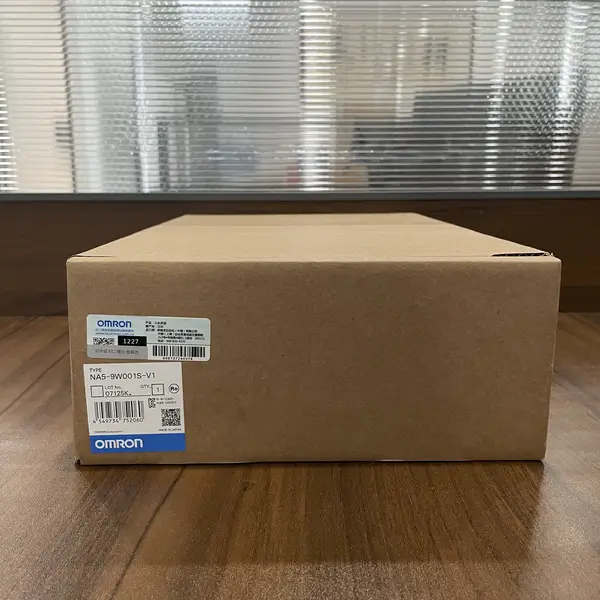
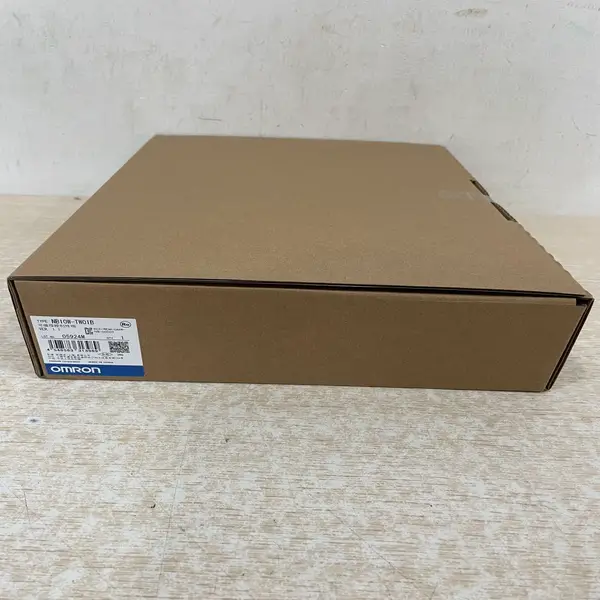
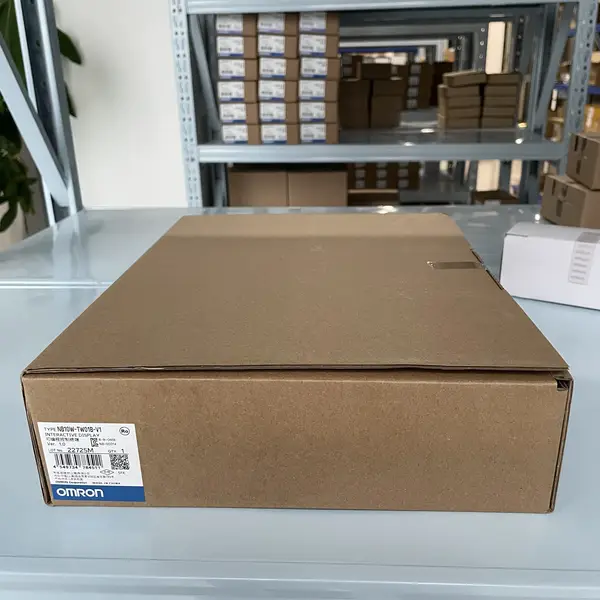
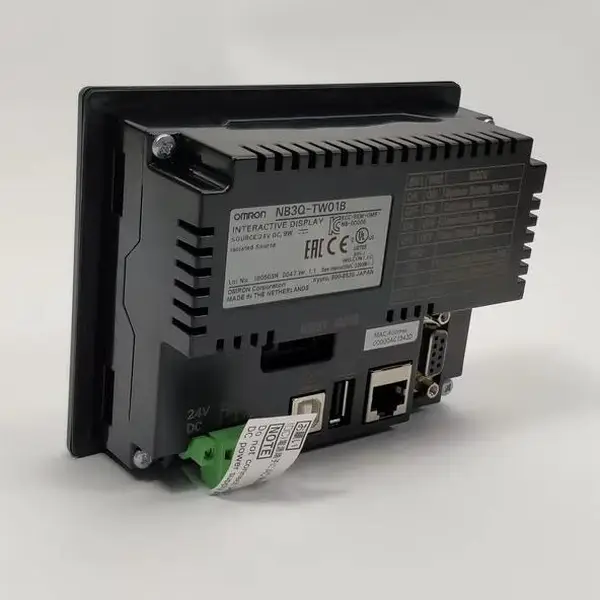
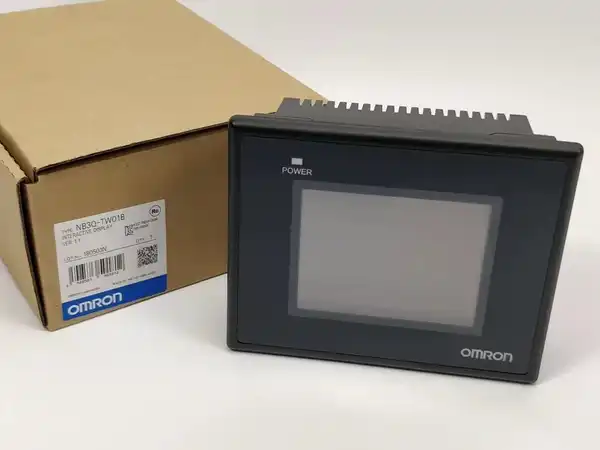
Browse All 12 SKUs in HMIs
Why Choose Omron HMIs?
Omron's Human-Machine Interfaces (HMIs) bridge the gap between operator and machine with intuitive, high-resolution displays. Designed for clarity and ease of use, they provide powerful visualization and control, streamlining operations and enabling faster decision-making on the factory floor.
- Vibrant, high-resolution touchscreens for clear data visualization
- Intuitive programming software for rapid screen and logic development
- Extensive connectivity options for seamless integration with PLCs and third-party devices
- Durable, industrial-grade construction built for 24/7 operation
- Remote access capabilities for monitoring and control from anywhere
- Advanced security protocols to safeguard critical operational data
Frequently Asked Questions
What size HMI should I choose for my application?
HMI size depends on: 1) Information density - complex screens with multiple trends/alarms need larger displays (10 inch+), simple status/controls work on 5-7 inch. 2) Viewing distance - operators over 2m away need 10 inch+, close-up operation suits 7 inch. 3) Panel space - measure available cutout dimensions. 4) Budget - larger screens cost significantly more. General guide: 3.5-5.7 inch for simple machines (pumps, conveyors), 7-8.4 inch for standard automation (packaging, assembly), 10-15 inch for complex SCADA (production lines, multi-zone systems).
What is the difference between NB, NS, and NA series HMIs?
NB series: Economy tier, cost-effective, NB-Designer software (free), suitable for basic operator interfaces. Screen sizes 3.5-10 inch. NS series: Premium tier, advanced features, CX-Designer software, better graphics, multi-language support, data logging. Screen sizes 5.7-15 inch. NA series: Advanced tier, Windows CE based, PC-like functionality, web browser, remote desktop, multi-application support. Best for complex visualization, SCADA integration. Choose NB for budget projects, NS for most industrial applications, NA for advanced visualization and IT integration.
Which PLCs are compatible with Omron HMIs?
Omron HMIs support extensive PLC connectivity: Omron PLCs: CJ, CS, CP, NJ, NX series via Ethernet (FINS), serial (Host Link), or EtherNet/IP. Third-party PLCs: Allen-Bradley (EtherNet/IP, DF1), Siemens (MPI, PROFIBUS), Mitsubishi (MC Protocol), Modicon (Modbus). Connectivity options: Ethernet (Modbus TCP, EtherNet/IP), Serial (RS-232C/RS-485, Modbus RTU), USB (programming). Most HMIs support multiple PLCs simultaneously. Check specific HMI model for supported drivers.
Do I need additional software to program the HMI?
Yes, software depends on HMI series: NB series: NB-Designer (FREE download from Omron). Full-featured, no limitations, includes simulator. NS series: CX-Designer (sold separately, part of CX-One suite). Advanced features, extensive symbol libraries. NA series: Sysmac Studio (for NA5), NB-Designer (for older NA). Consider software cost when selecting HMI. NB series offers best value with free software. Training time: 1-2 days for basic proficiency, 1 week for advanced features.
Can HMIs operate in harsh environments?
Most Omron HMIs have IP65/66 front panel rating (dust-tight, water jet protection). Suitable for: indoor industrial environments, control rooms, protected outdoor installations (with enclosure). Operating temperature: 0 to +55°C standard. For harsher conditions: add enclosure with cooling/heating, sunlight-readable models for outdoor use, stainless steel housing for washdown (food/pharma). Avoid: direct high-pressure washdown, extreme temperatures (-20°C or +60°C), direct sunlight without shade. For washdown areas, choose IP69K-rated HMIs or add protective enclosure.
What communication cables do I need?
Cable requirements depend on connection type: Ethernet: Standard CAT5e/CAT6 cables (off-the-shelf). Max 100m per segment. Serial (RS-232C): Omron XW2Z series cables (0.3m to 2m), or custom wired. Max 15m. Serial (RS-485): Twisted pair cable, terminate with 120Ω resistors at ends. Max 500m. USB: Standard USB A-B cable (for programming). Max 5m. For long distances: use Ethernet (100m), fiber converters, or Ethernet extenders. Always use shielded cables in industrial environments for noise immunity.
Can I display trends and alarms on the HMI?
Yes, all Omron HMIs support trends and alarms: Trend display: Real-time trends (live data), historical trends (logged data). Configure update rate, time range, number of traces. Alarm display: Real-time alarm list, alarm history, alarm acknowledgment. Priority levels (critical, warning, info). Alarm logging to internal memory or external storage. Data logging: NB/NS series log to internal memory or SD card. NA series supports database logging. Trend/alarm configuration done in HMI software. No additional hardware required for basic functionality.