
Omron HMIs Distributor | Page 4 of 4
Omron HMI Panels for Fast Operator Workflows
Our HMI range includes compact and widescreen panels designed for clear visualization, alarm handling, and easier daily machine operation.
We support selection by display size, communication protocol, and project requirements so your panel integrates cleanly with existing PLC assets.
Popular Series and Buying Notes
42 products available in this category.
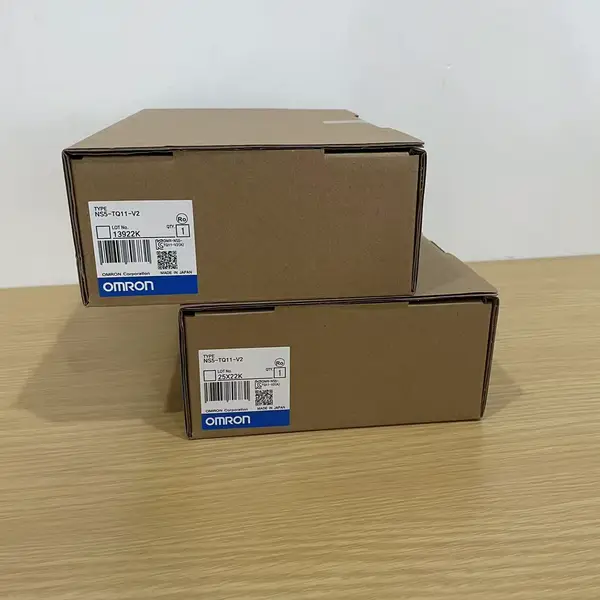
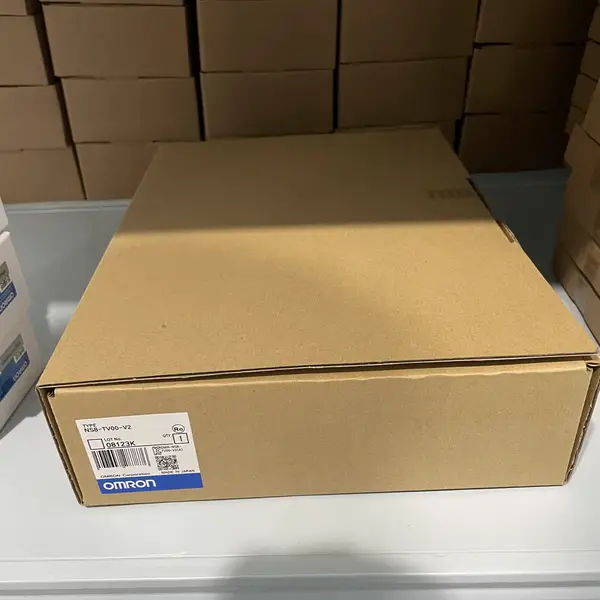
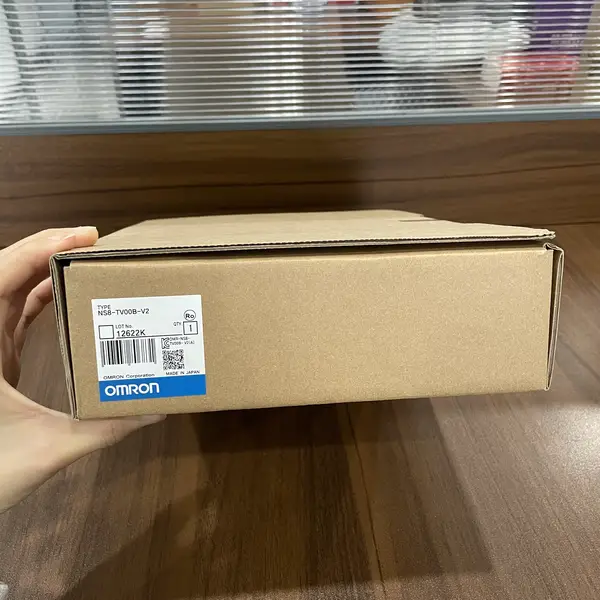
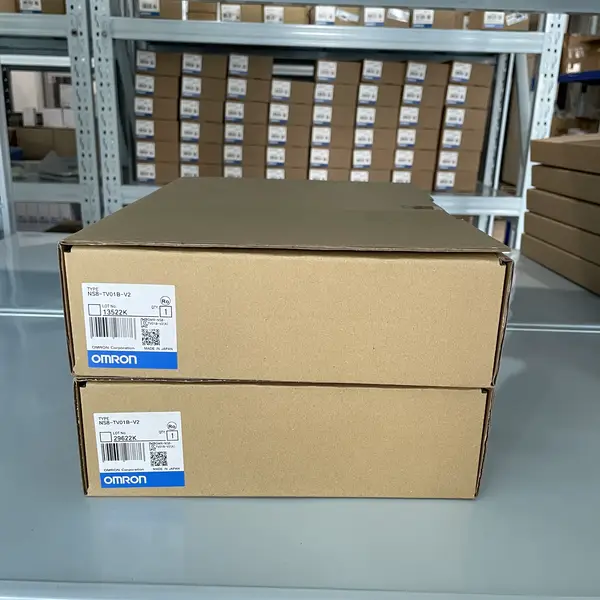
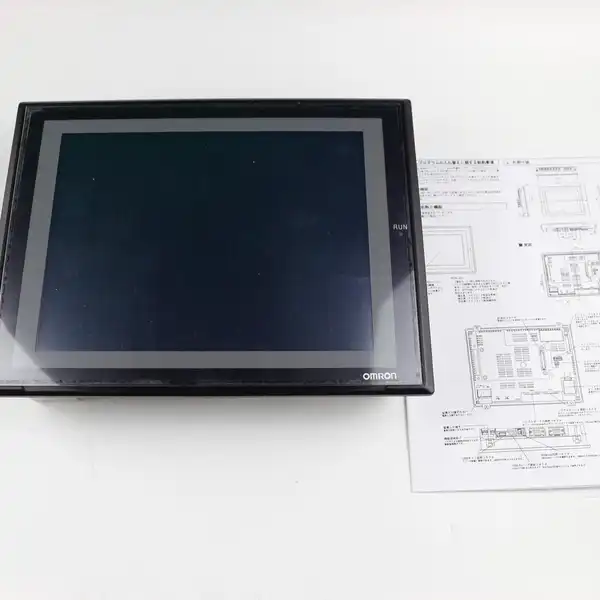
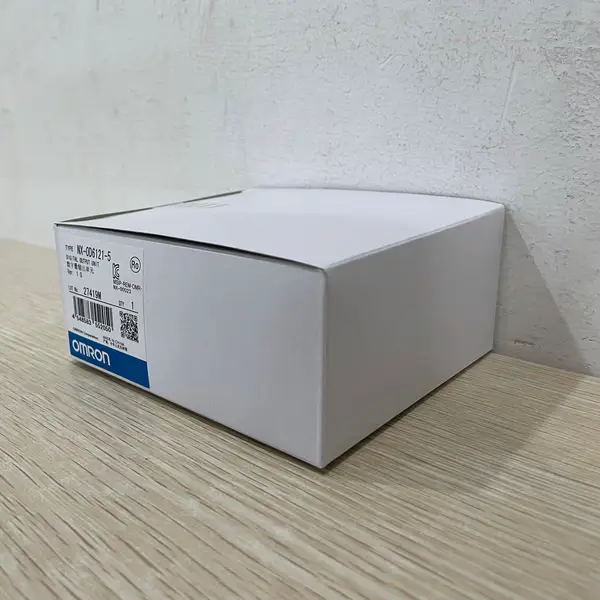
Browse All 6 SKUs in HMIs
Why Choose Omron HMIs?
Omron's Human-Machine Interfaces (HMIs) bridge the gap between operator and machine with intuitive, high-resolution displays. Designed for clarity and ease of use, they provide powerful visualization and control, streamlining operations and enabling faster decision-making on the factory floor.
- Vibrant, high-resolution touchscreens for clear data visualization
- Intuitive programming software for rapid screen and logic development
- Extensive connectivity options for seamless integration with PLCs and third-party devices
- Durable, industrial-grade construction built for 24/7 operation
- Remote access capabilities for monitoring and control from anywhere
- Advanced security protocols to safeguard critical operational data
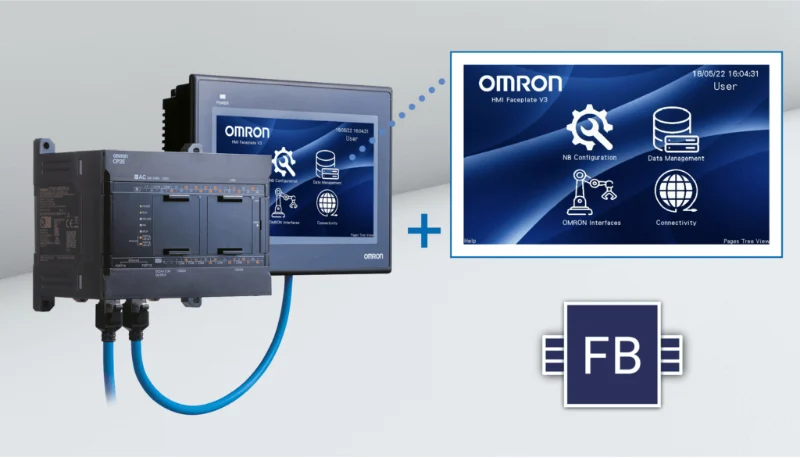
Frequently Asked Questions
What size HMI should I choose for my application?
HMI size depends on: 1) Information density - complex screens with multiple trends/alarms need larger displays (10 inch+), simple status/controls work on 5-7 inch. 2) Viewing distance - operators over 2m away need 10 inch+, close-up operation suits 7 inch. 3) Panel space - measure available cutout dimensions. 4) Budget - larger screens cost significantly more. General guide: 3.5-5.7 inch for simple machines (pumps, conveyors), 7-8.4 inch for standard automation (packaging, assembly), 10-15 inch for complex SCADA (production lines, multi-zone systems).
Which software programs each HMI series - NB, NS or NA?
Three different tools. The NB series is programmed in NB-Designer. The NS series is programmed in CX-Designer, which ships inside the CX-One suite and is also included with the Sysmac Studio Standard Edition. The NA series is programmed in Sysmac Studio. The important distinction is that Sysmac Studio is the software for the NJ and NX machine automation controllers; its separate HMI Edition is NA-only, and NS panels are still built in CX-Designer. This is also why an NS project does not open in Sysmac Studio and an NB project does not open in CX-Designer.
Do my CX-Designer or NB-Designer projects carry over if I move to a different HMI series?
Not automatically. Omron does not state that a CX-Designer project transfers to an NA-series panel, or that an NB-Designer project transfers between NB screen sizes. The tools are separate and the screen object model differs, so budget for rework rather than assuming a conversion. Each series has its own guide showing what carries over.